 SPFX Pretty
Home › How to fix
How to fix
What each finding means and exactly how to fix it. In VS Code, right-click any finding and choose Explain & How to Fix.
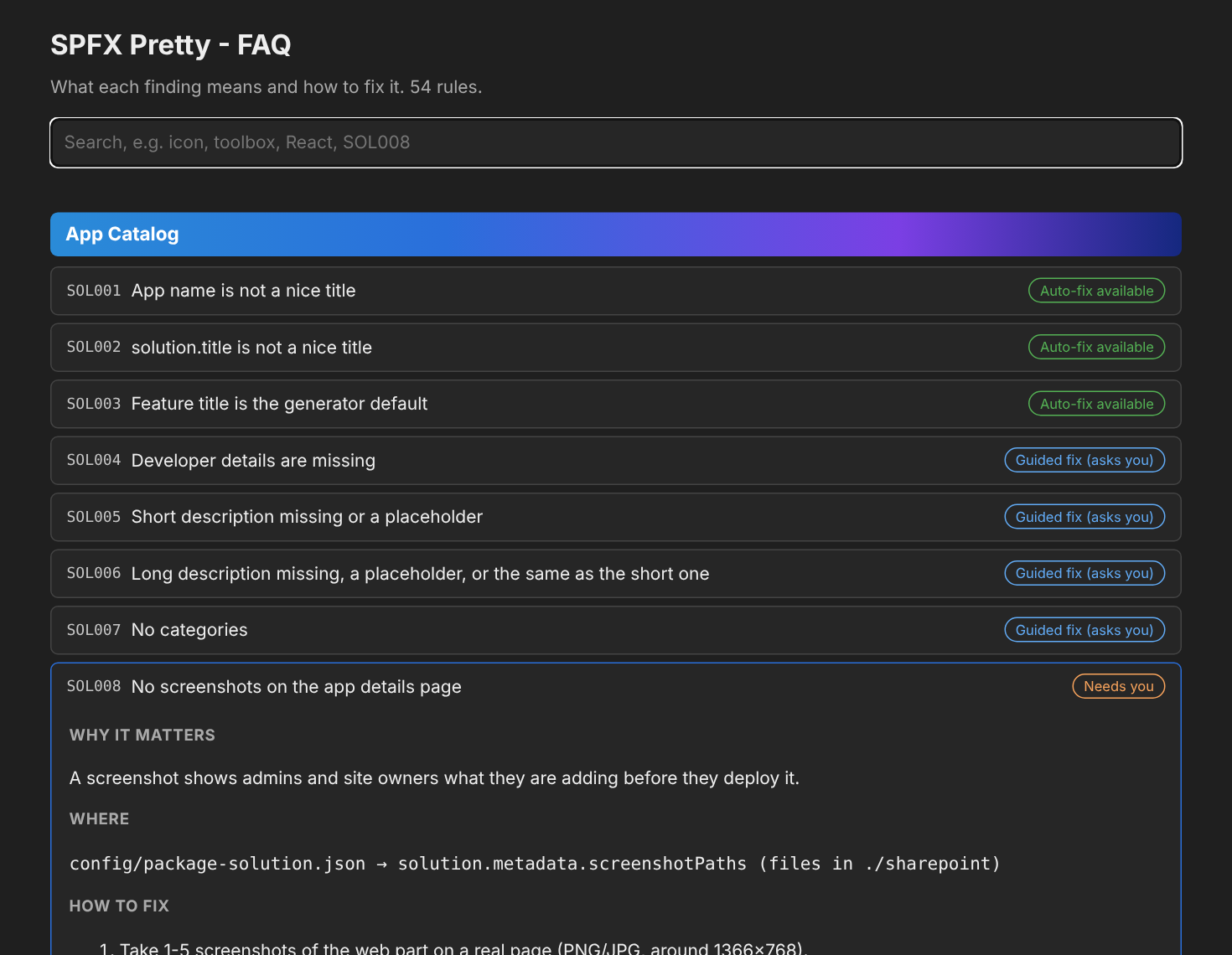
App Catalog
SOL001App name is not a nice titleAuto-fixSOL002solution.title is not a nice titleAuto-fixSOL003Feature title is the generator defaultAuto-fixSOL004Developer details are missingGuided fixSOL005Short description missing or a placeholderGuided fixSOL006Long description missing, a placeholder, or the same as the short oneGuided fixSOL007No categoriesGuided fixSOL008No screenshots on the app details pageNeeds youSOL013Solution version and package.json version differGuided fixSOL014App name does not start with your prefixAuto-fix
Icons
Toolbox
CMP001Toolbox title is not niceAuto-fixCMP002Toolbox description is a placeholderGuided fixCMP003No toolbox icon, or still the defaultAuto-fixCMP004Both officeFabricIconFontName and iconImageUrl are setAuto-fixCMP005Toolbox icon uses http://Auto-fixCMP006Web part is in the wrong toolbox groupGuided fix
Command sets
Teams
Defaults
DEF001Default property value is a raw nameAuto-fixDEF002Property pane text is the generator defaultGuided fixDEF003Feature description is the generator defaultAuto-fixDEF004Package file name is genericAuto-fixDEF005Extension Title is not niceAuto-fixDEF006Generator sample properties are still registeredNeeds you
Properties
Versions
VER001Behind the latest SPFxNeeds youVER002SPFx packages on mixed, pre-release or ranged versionsNeeds youVER003React version does not match SPFxGuided fixVER004TypeScript outside the supported rangeNeeds youVER005Node version not declared or unsupportedGuided fixVER006Gulp toolchainNeeds youVER007serve.json uses the SharePoint Online workbenchNeeds youVER008.yo-rc.json version differs from the packagesNeeds youVER009office-ui-fabric-react still usedNeeds youVER010@types/react does not match ReactNeeds youVER011Legacy ReactDom.render on React 18Needs you