 SPFX Pretty
Make your SPFx apps look professional.
SPFX Pretty is a free VS Code extension that checks your SharePoint Framework project and fixes what people actually see - the App Catalog, Site Contents, the web part toolbox, the property pane and Teams.
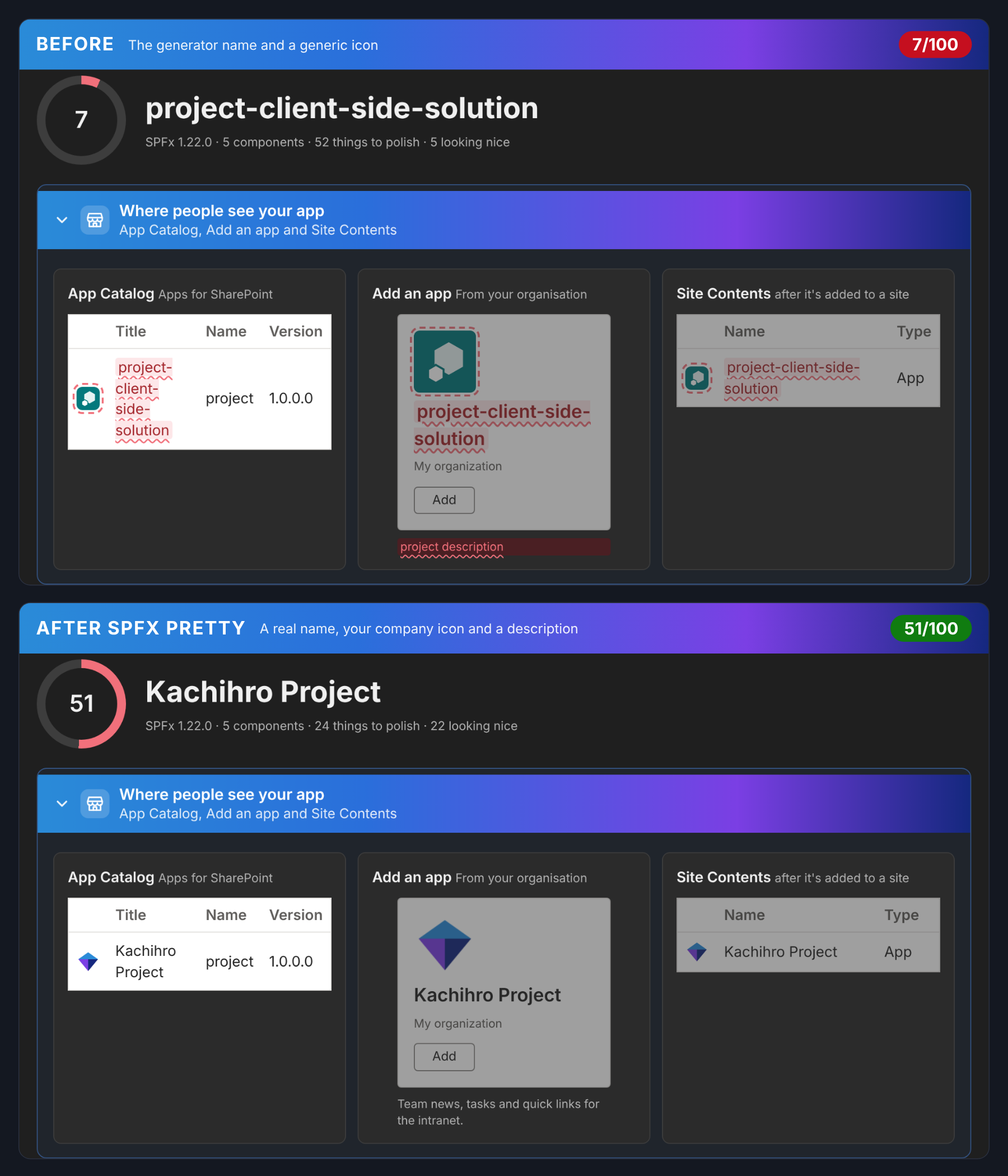
What it does
No more project-client-side-solution
🏷️ Nice names
App, toolbox and command titles that read like products - with your brand spelled right.
🎨 Your icons
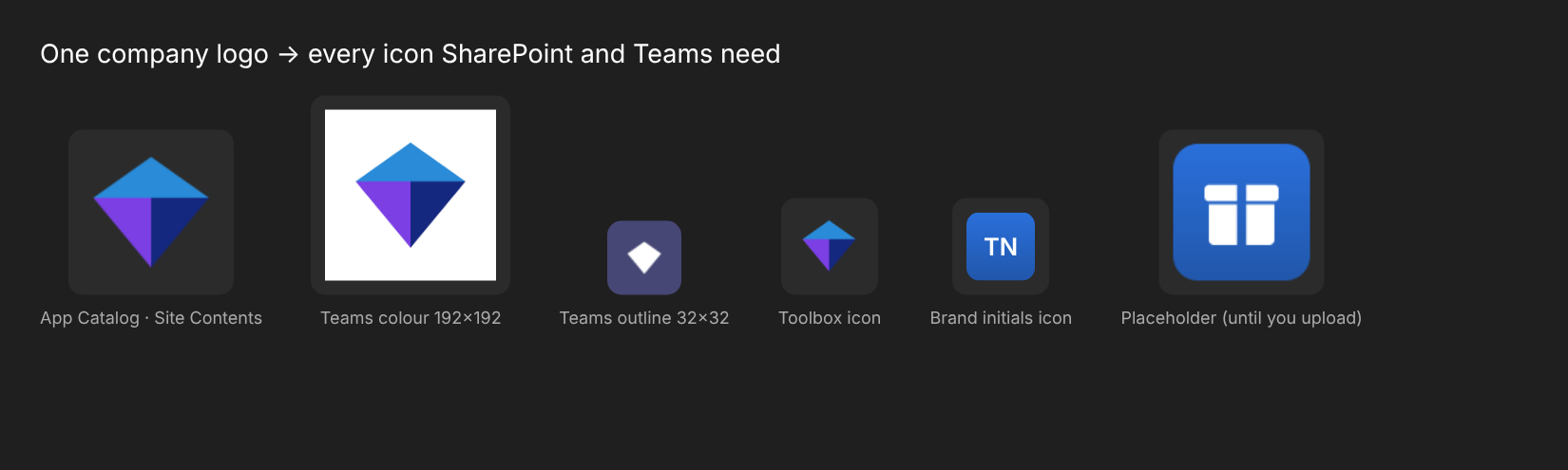
Upload your company logo once - App Catalog, Site Contents, Teams and toolbox icons, done.
▶ Fix step by step
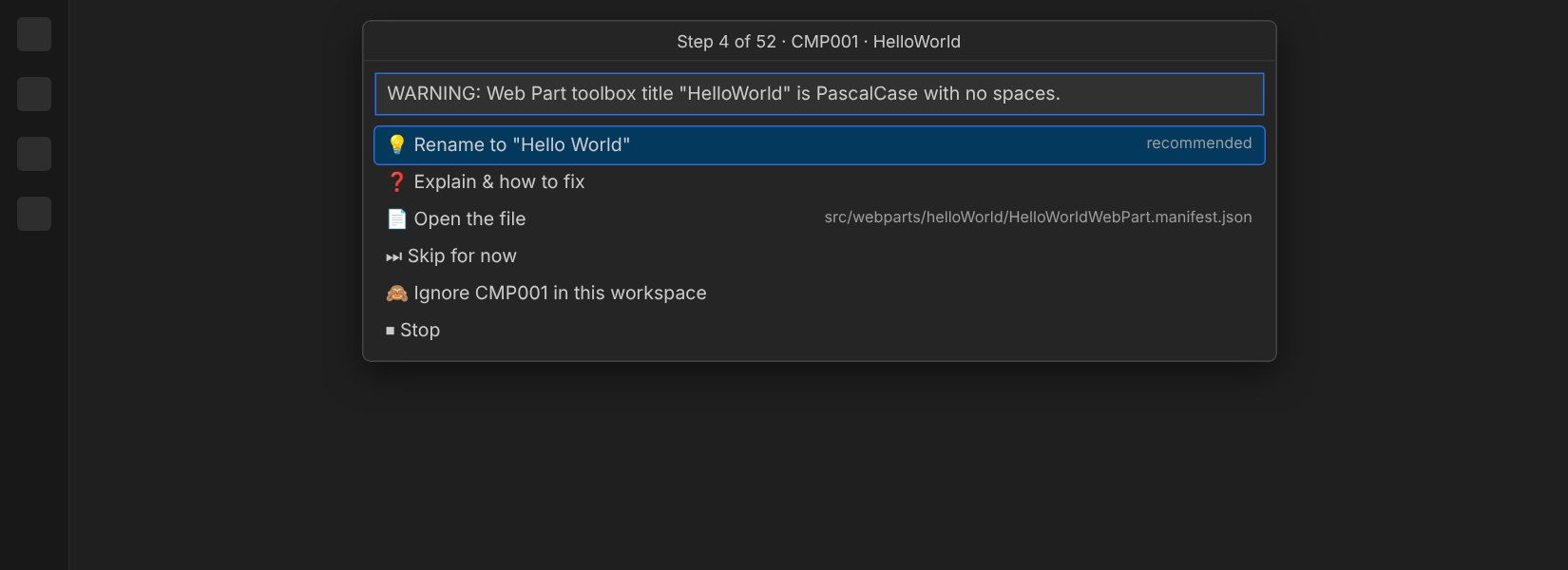
Every issue, worst first. Fix, explain, open the file, skip or ignore - one at a time.
👀 See before you apply
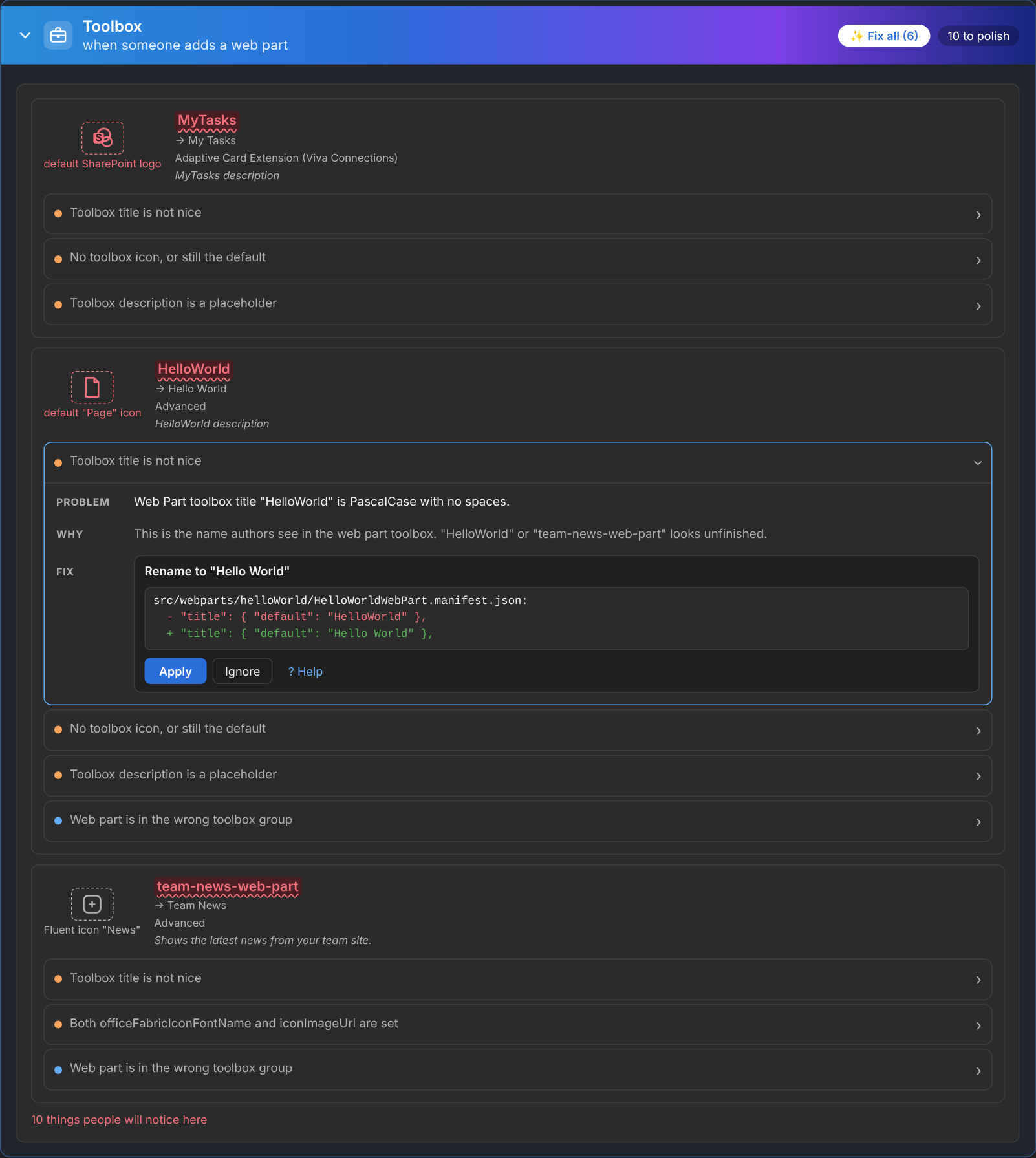
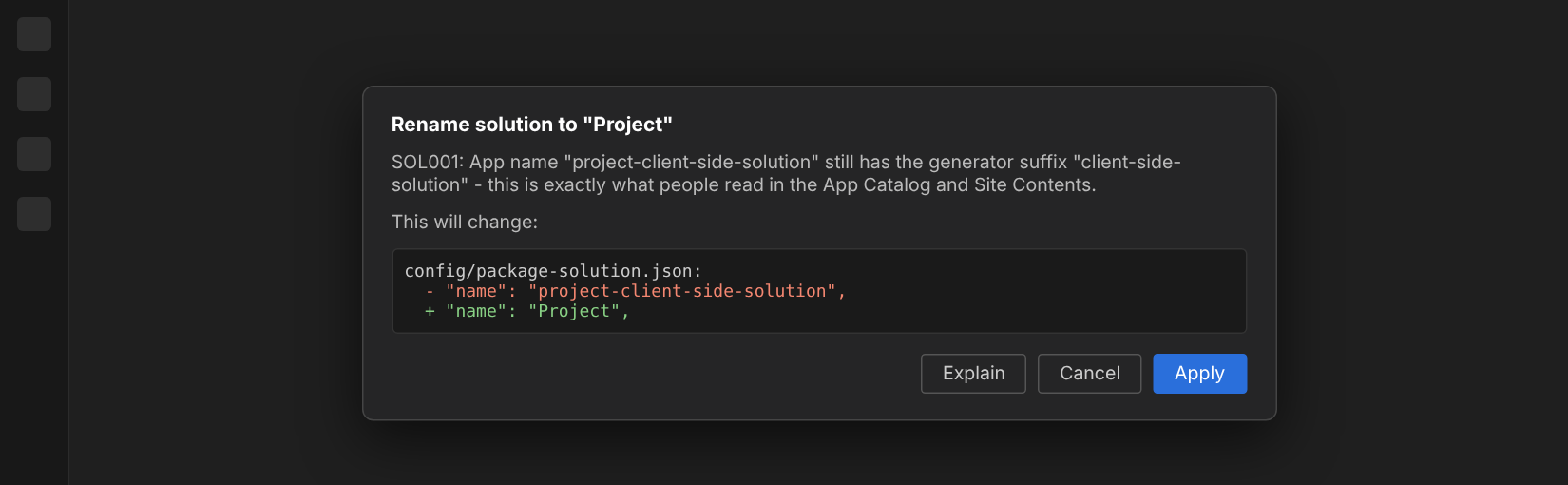
Every fix shows the exact lines it will change. Nothing is touched until you click Apply.
🧹 Leftover defaults
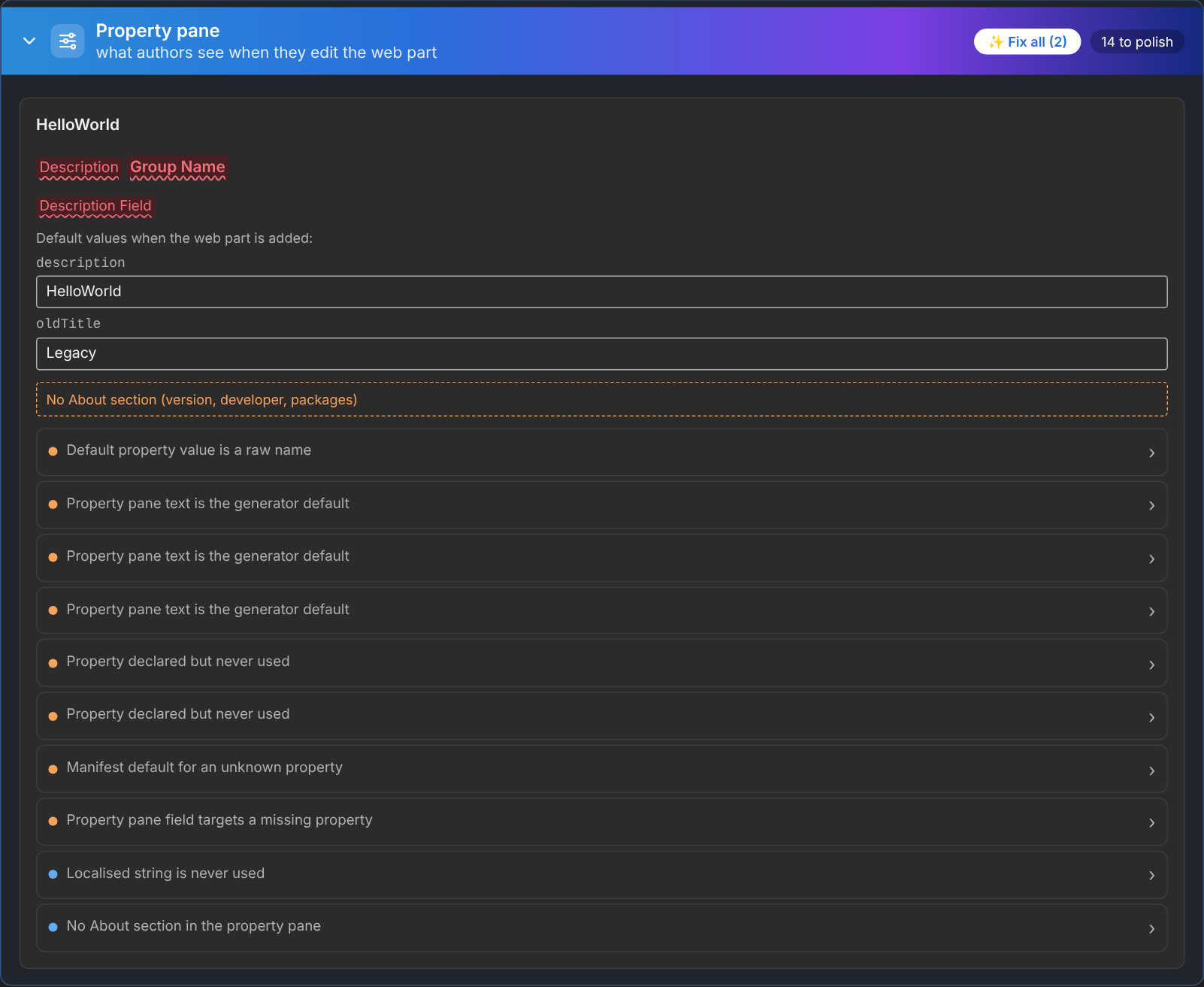
"Description Field", "Test message" alerts, default property values and other generator text.
🧩 Unused properties
Properties nobody reads, leftover manifest defaults, property pane typos and dead loc strings.
🔢 Versions & upgrades
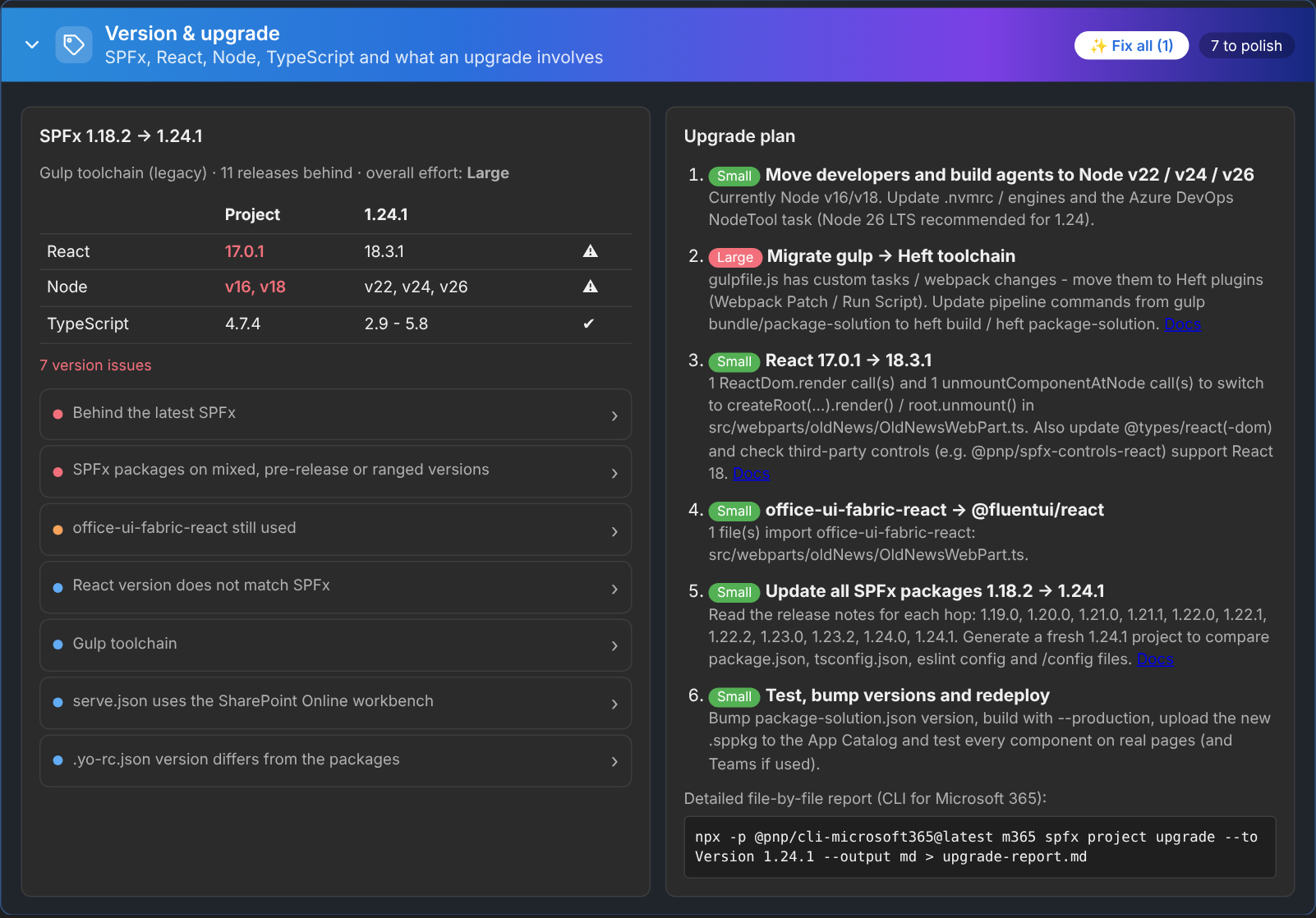
React / Node / SPFx mismatches, the gulp → Heft move, and an upgrade plan with effort.
📚 Help for every rule
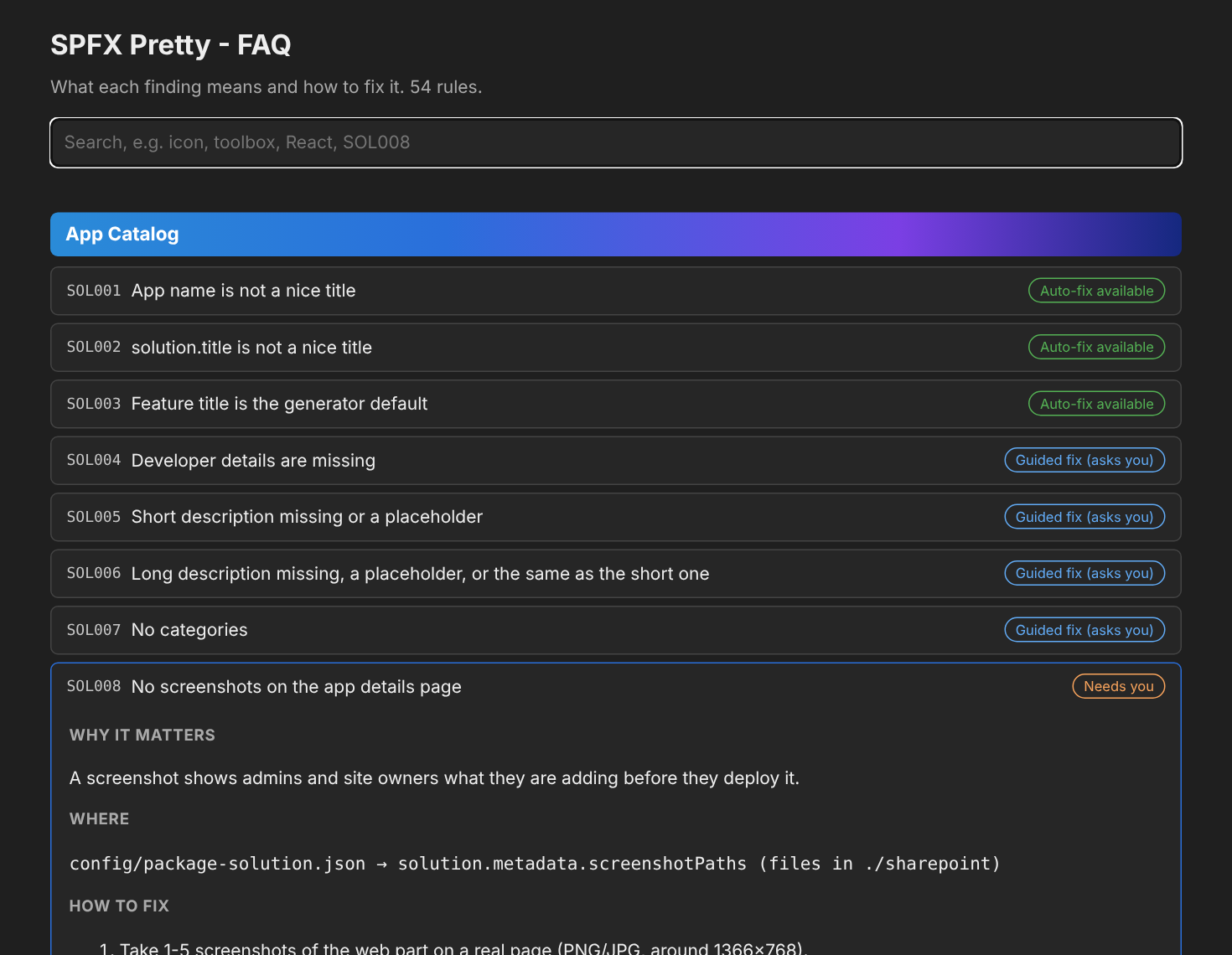
54 rules, each with why it matters and exactly how to fix it - in VS Code and here.
See it in action
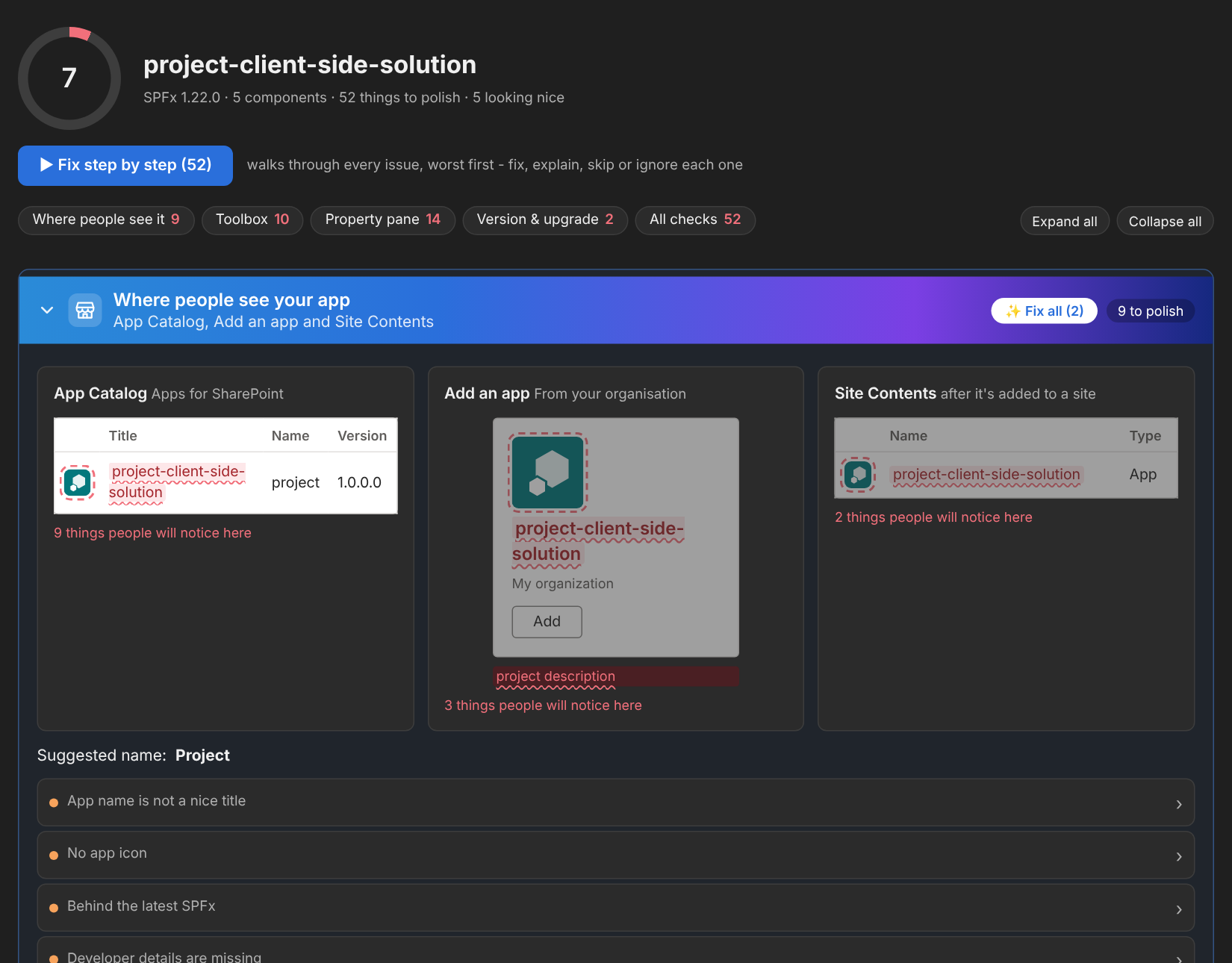
Screenshots
Click any picture to see it full size.
How it works
Three steps
- Install SPFX Pretty from the VS Code Marketplace, then open your SPFx project and click the SPFX icon on the left.
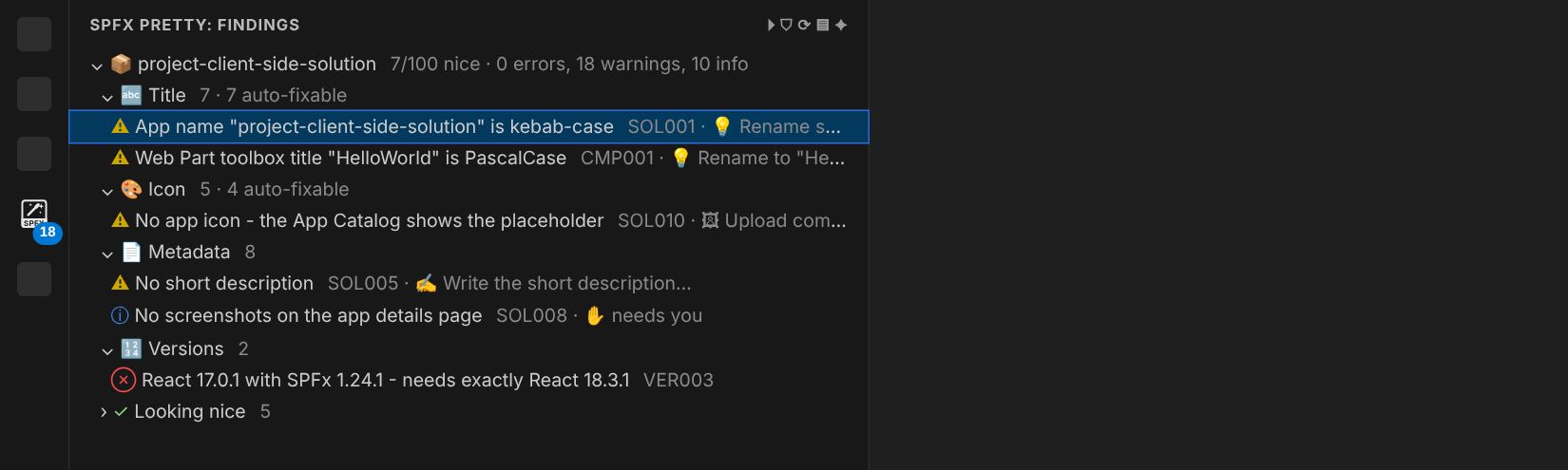
- The report opens - it shows your app the way the App Catalog, "Add an app" and Site Contents show it, with every issue underlined.
- Click ▶ Fix step by step - fix, explain, skip or ignore each issue. Most are one click; the rest tell you exactly what to do.